Store Live
Store Live
Watch your site's visitors the way you would watch customers in a shop.
Store Live treats your site as a shop and shows, in real time, how many people are there and which sections (pages) they are in. You can also replay a past day in fast-forward, or watch visitors walk through a 3D shop. It makes the flow of readers — hard to grasp from tables of numbers alone — clear at a glance.
Prerequisites
- Google BigQuery (GA4 export)Recording and replaying visitor behavior
- GA4 Realtime APIThe live view of current visitors
Google services (BigQuery, GA4, Search Console) connect together through a single service account with read access, and the connection details are registered in the admin's analytics settings.
01Store Live
Who is in the shop right now, and today's foot traffic, on one screen
Active visitors and new users over the last 30 minutes, plus today's conversions, sit at the top of the screen and refresh every 60 seconds. Today's visits, users, page views, CTA clicks and form visits are shown with the change against the same time on the previous day and on the same weekday last week. On the 2D floor, visitors currently browsing appear as characters in sections for each entry point and type of article.
- Active visitors over the last 30 minutes, refreshed every 60 seconds
- Change against the same time yesterday and on the same weekday last week
- Visits (new and returning) and clicks by type, every 30 minutes
- A 2D floor with visitors placed by page type
02Store Live playback
Replay a past day's foot traffic in fast-forward
Choose a date and press play to follow that day's visitors through time. Pick a playback speed of 1×, 2× or 4×, and drag the slider to jump to any time. The day's totals are compared with the previous day and the same weekday a week earlier, so you can look back at how traffic moved before and after changes to the site.
- Pick a date and replay the whole day
- ×1, ×2 and ×4 playback speeds with a slider
- Daily totals compared with the previous day and the same weekday last week
- Charts of visits and clicks or interactions by time of day
03Store Live in 3D
See visitors walking through the shop in 3D
The site is drawn as a 3D shop, and visitors move between sections such as the entrance (arrivals), the top page, articles, landing pages and the form (the checkout). Tags above their heads show details such as time on page, and you can show footprints or reset the camera. The event log below lists each session's pages viewed, time on site, device and traffic source, along with events in time order. The 3D view is offered as an experimental feature.
- Sections laid out from the entrance to the form (the checkout)
- Footprint display and camera reset
- Pages, time on site and traffic source for each session
- Today's event log, newest first
* Screens use sample data, with some details such as article titles and keywords blurred. The admin is shown in Japanese. Click to enlarge.
Explore other features
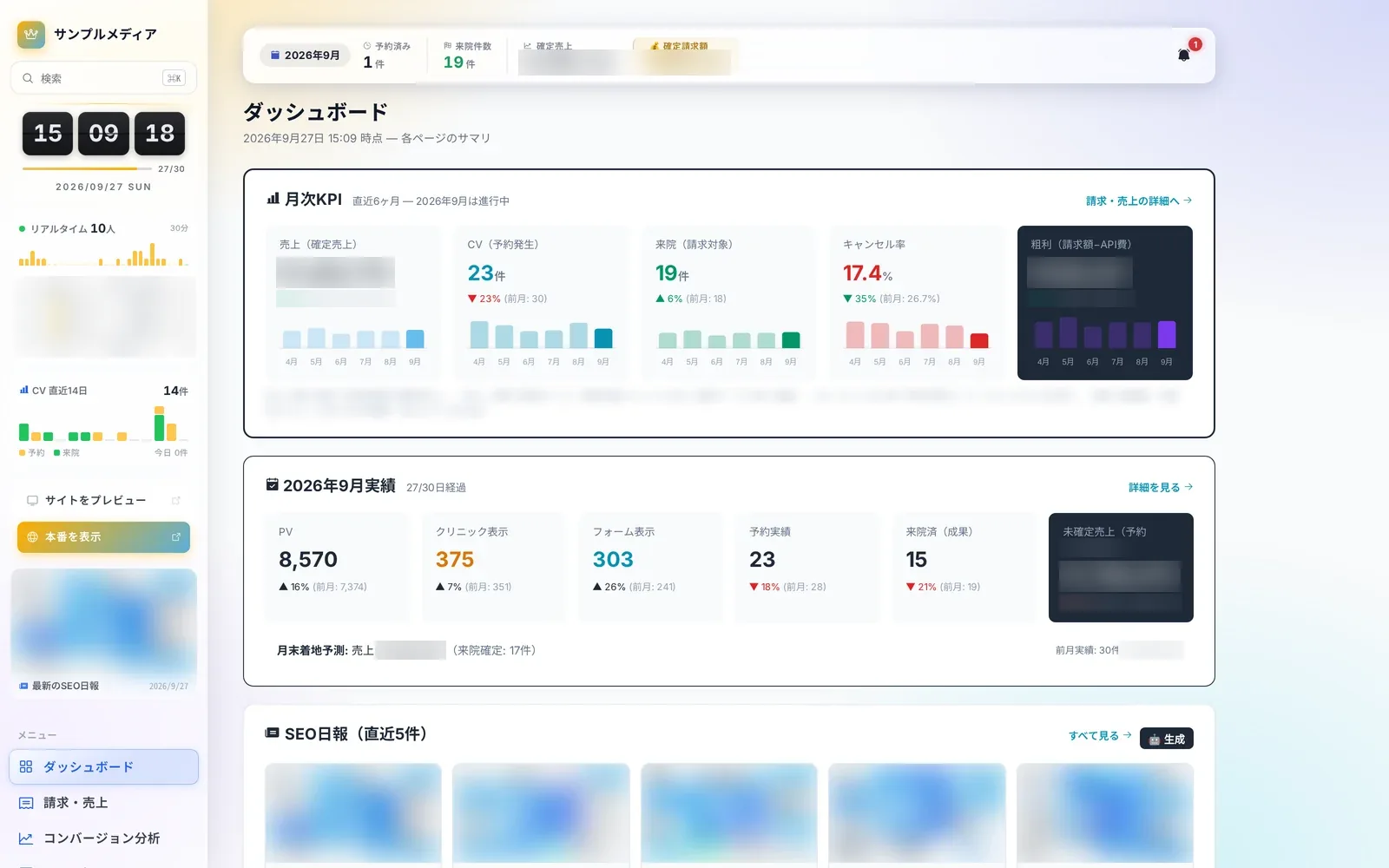 Operations8 screensDaily operationsLearn more
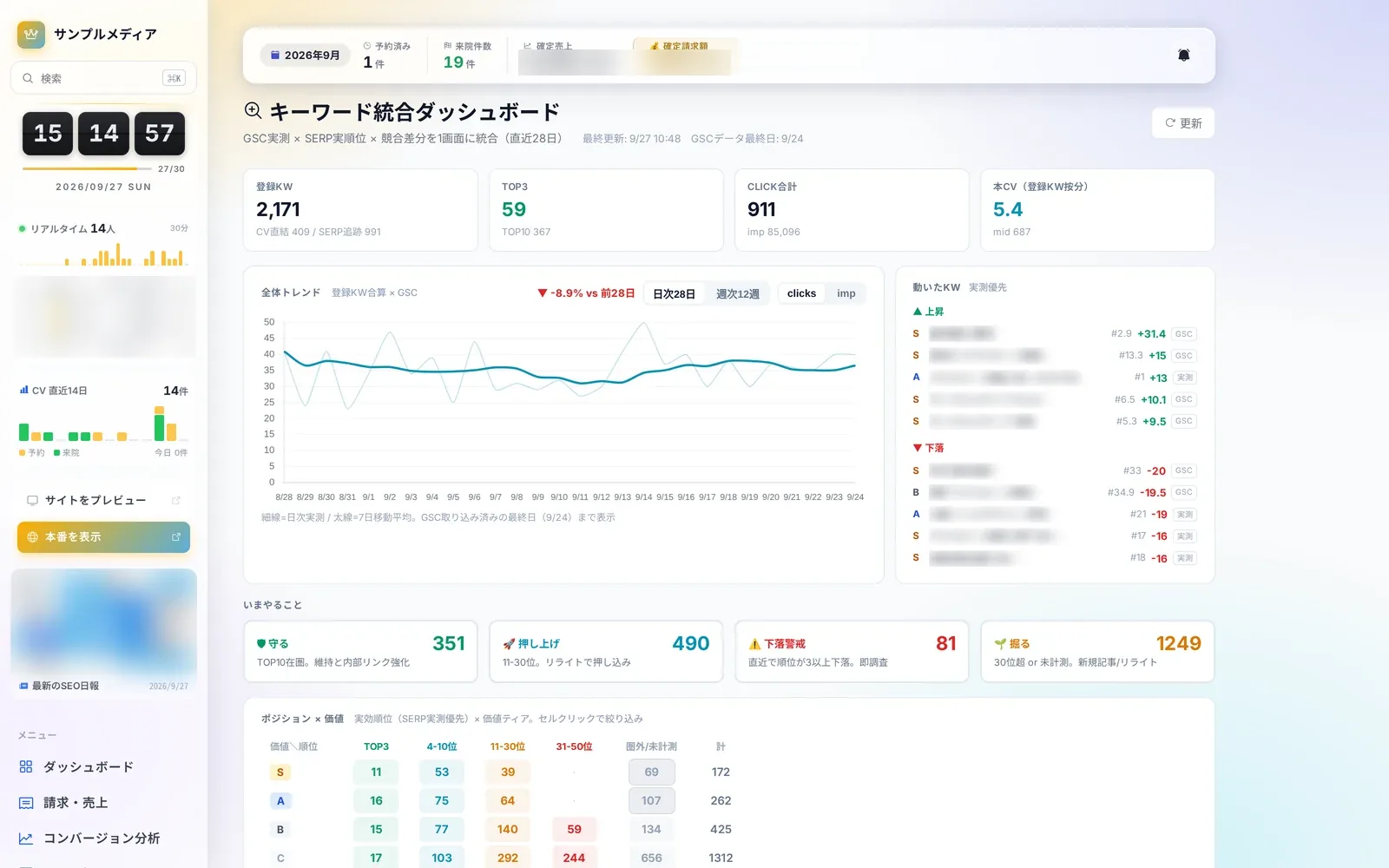 SEO4 screensSEO and search rankingsLearn more
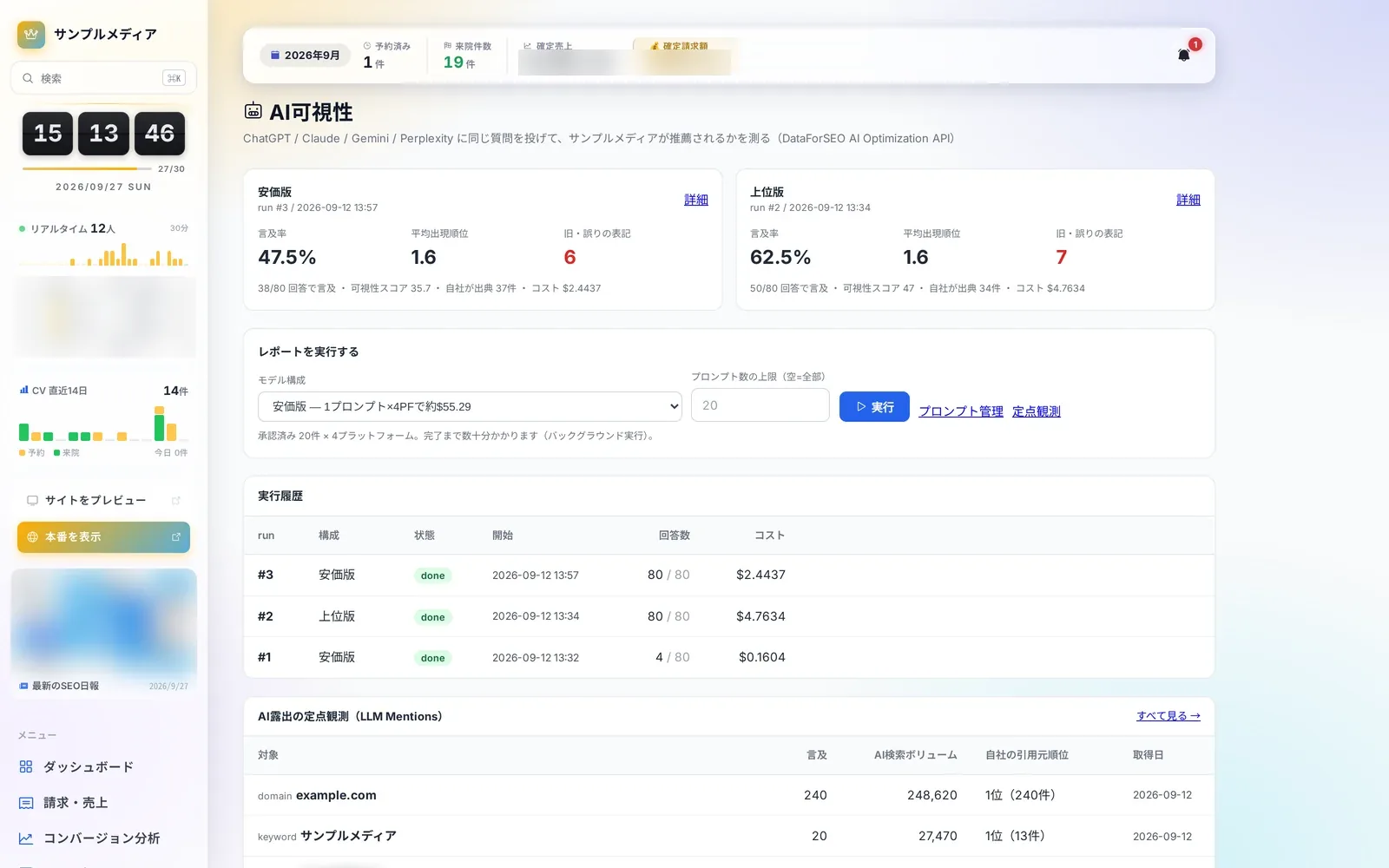 AI Visibility4 screensAI visibilityLearn more
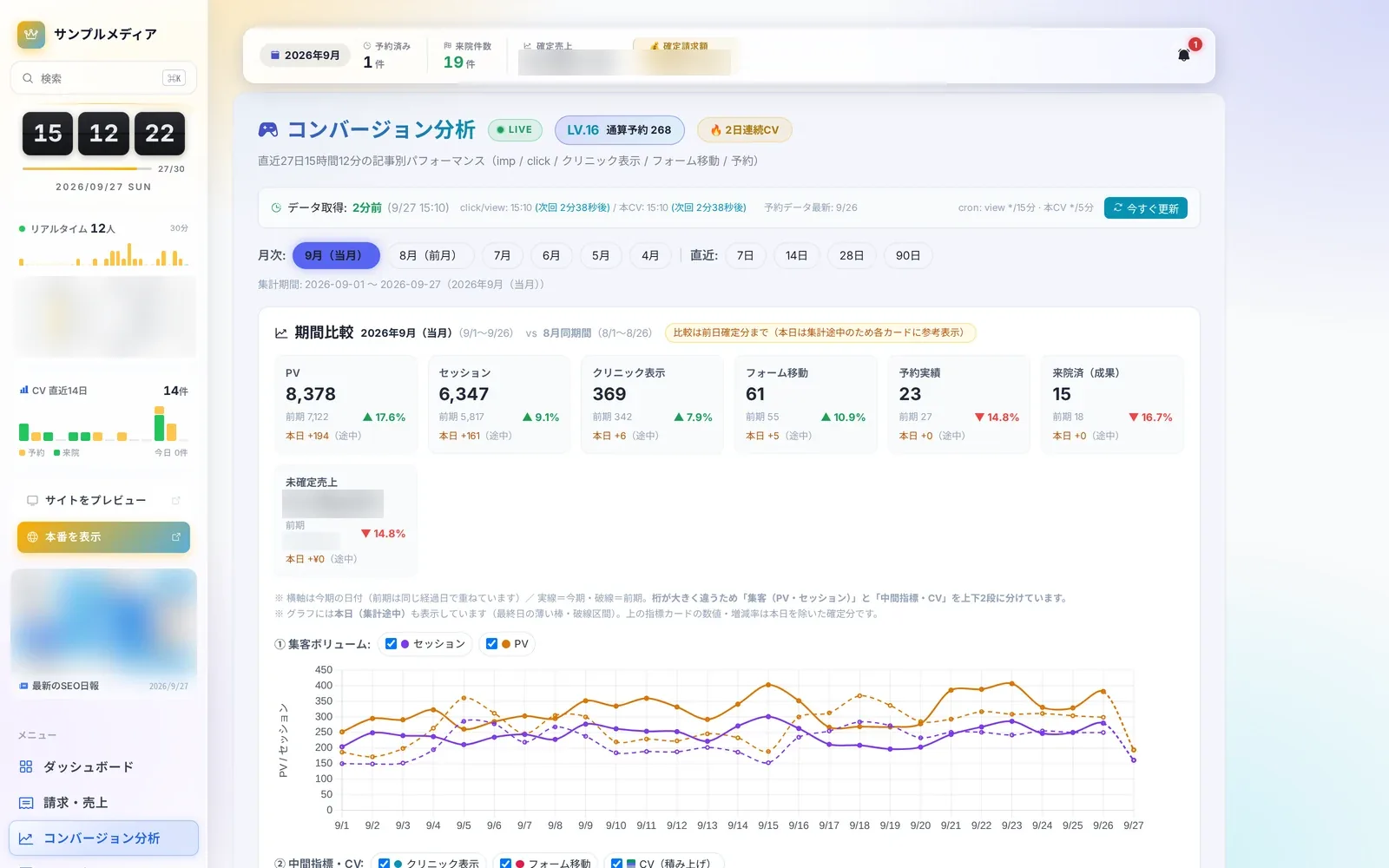 Analytics7 screensConversion analyticsLearn more
 Content Insights8 screensArticle performance and internal linksLearn more
 Editor & Assets8 screensArticles and assetsLearn more
 Knowledge4 screensWiki and knowledgeLearn more
 Site Operations10 screensSettings & maintenanceLearn more
Questions about adopting or running Autorial? Talk to us.