SEO
SEO and search rankings
Turn ranking movements into a clear decision on which keywords and articles to work on next.
Search Console data, actual SERP rankings and competitor domain metrics are brought together in the admin. Each keyword is sorted by its next move, and audits of each article's structured data and meta tags sit right alongside.
Prerequisites
- Google Search ConsoleImpressions, clicks and positions per keyword
- DataForSEOActual SERP rankings and competitor domain metrics
Google services (BigQuery, GA4, Search Console) connect together through a single service account with read access, and the connection details are registered in the admin's analytics settings.
01SEO actions
Know the next move for every keyword
Candidate keywords are sorted into groups such as needs action, one more push, competitor response, room to improve and hold, and you can filter by each group's count. Select one to see your position, impressions, the 28-day ranking trend and the top 10 search results side by side. Filters like "a few spots from page one" or "falling" help you pick which articles to work on this week.
- Counts per group, filterable with one click
- Views like "close to page one" and "falling"
- Ranking trend and SERP top 10 for the selected keyword
- Keywords with stale measurements flagged for refetch
02Keywords
What moved and what to do now, on one screen
Search Console data, actual SERP rankings and the gap to competitors for the last 28 days, all in one view. Keywords that rose or fell are listed, then grouped into four actions: defend, push up, watch for drops and dig. A grid of ranking bands by value tier lets you narrow down the segment to target.
- Totals for tracked keywords, top 3 positions and clicks
- Switch between a 28-day daily and 12-week weekly trend
- Risers and fallers, with measured data first
- Ranking band × value tier grid, filterable by cell
03Competitor domains
Compare competitor domains by the numbers
Register the competitor domains you monitor as primary, monitor only or out of scope. Total keywords, #1 positions, positions 11–20 and estimated traffic value (ETV) are listed per domain, so you can sort out who to compete with head-on and who to leave alone.
- Three tiers: primary, monitor only, out of scope
- Compare total keywords, #1s, positions 11–20 and ETV
- Add a competitor with its domain, type and label
- Fetch date shown for each domain's metrics
04SEO dashboard
Find technical issues across your articles
Audits structured data, meta tags and Lighthouse scores for each article and counts the results by severity. Articles with issues are listed from the most severe, with the issue count and last audit time, and link through to the details. Run a full audit locally or through PageSpeed Insights, and see at a glance what improved or worsened since last time.
- Counts by severity, from Critical to Clean
- Clean rate and changes since the last audit
- Full audits run locally or through PageSpeed Insights
- Jump from a flagged article to its details
* Screens use sample data, with some details such as article titles and keywords blurred. The admin is shown in Japanese. Click to enlarge.
Explore other features
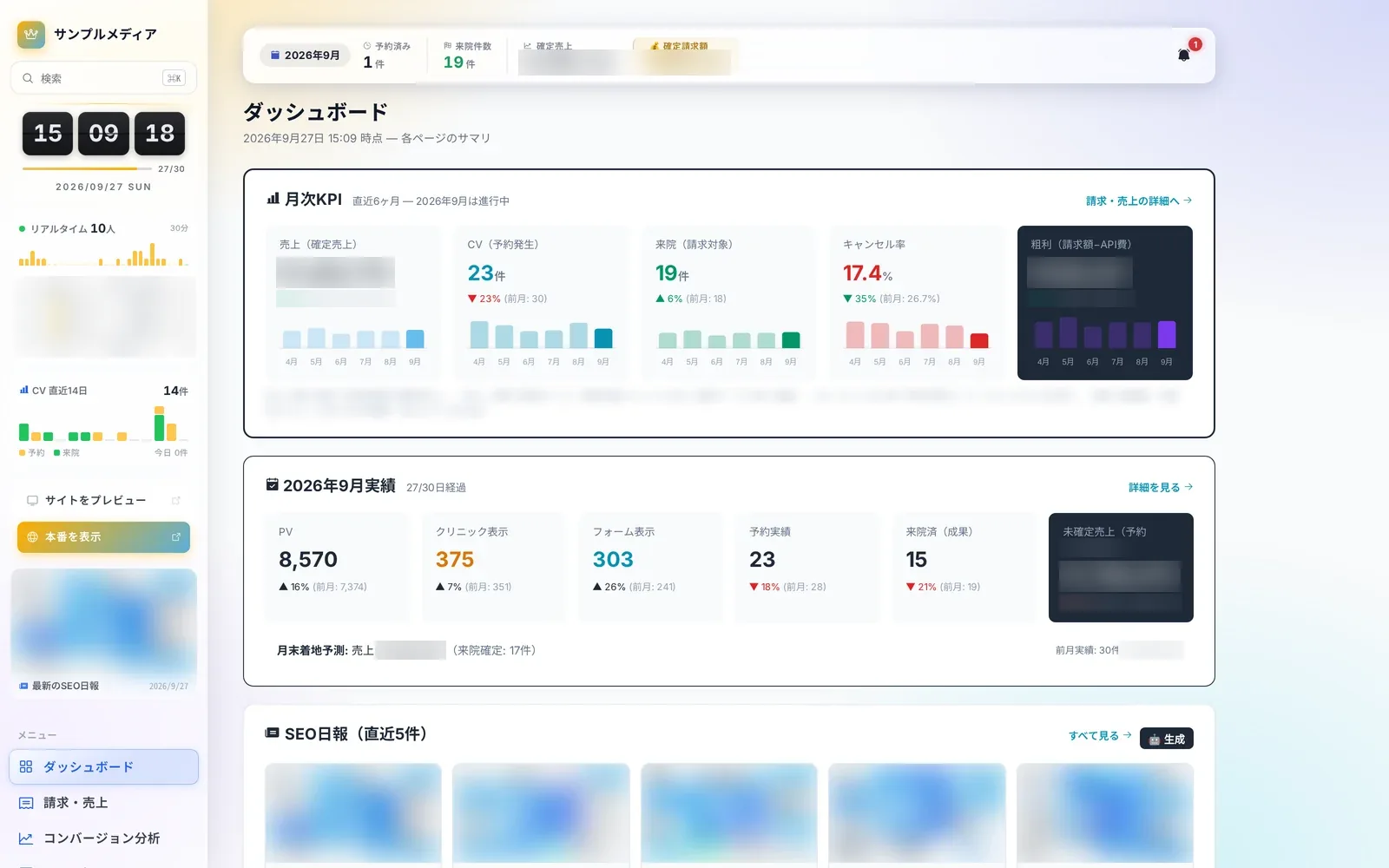 Operations8 screensDaily operationsLearn more
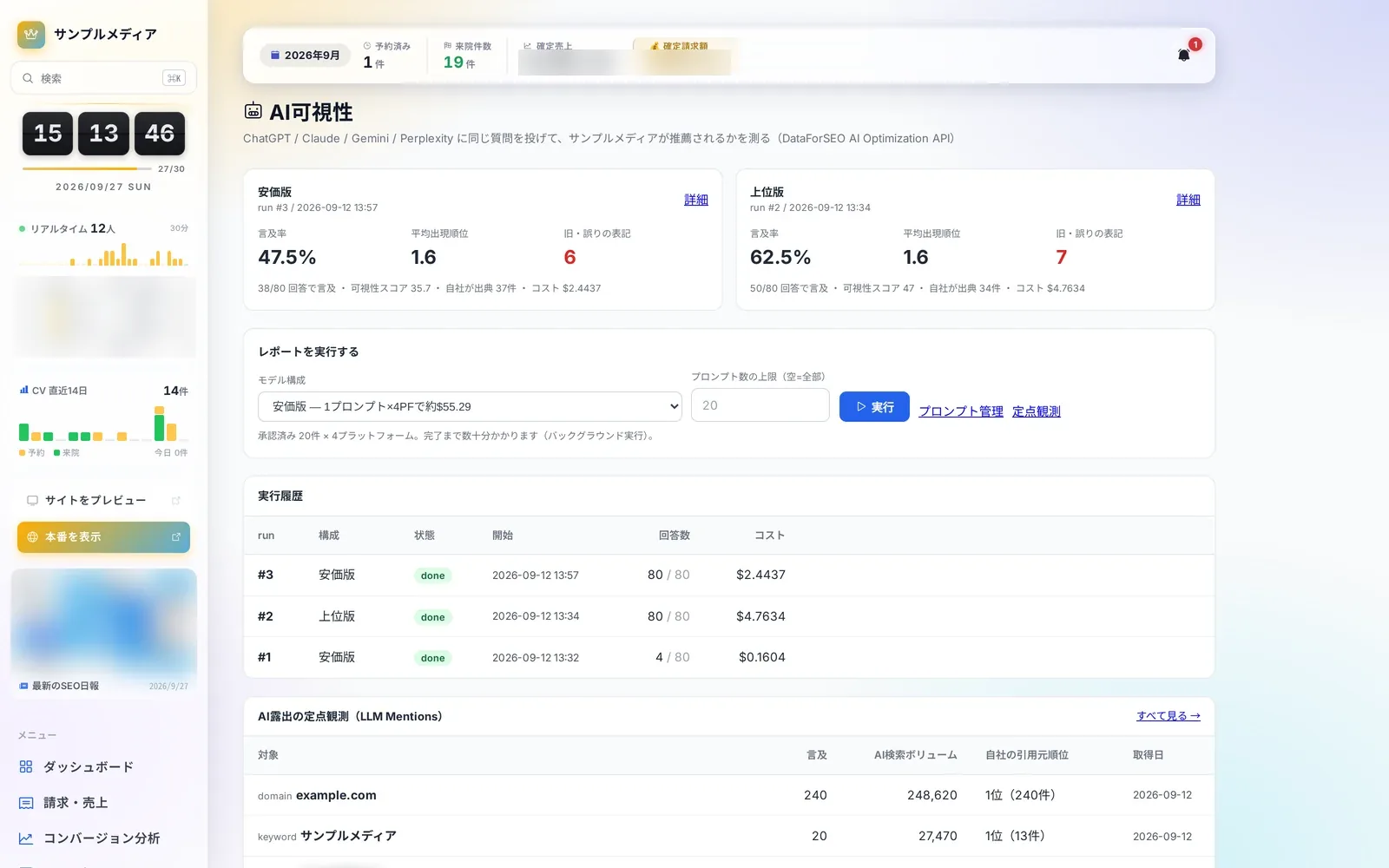 AI Visibility4 screensAI visibilityLearn more
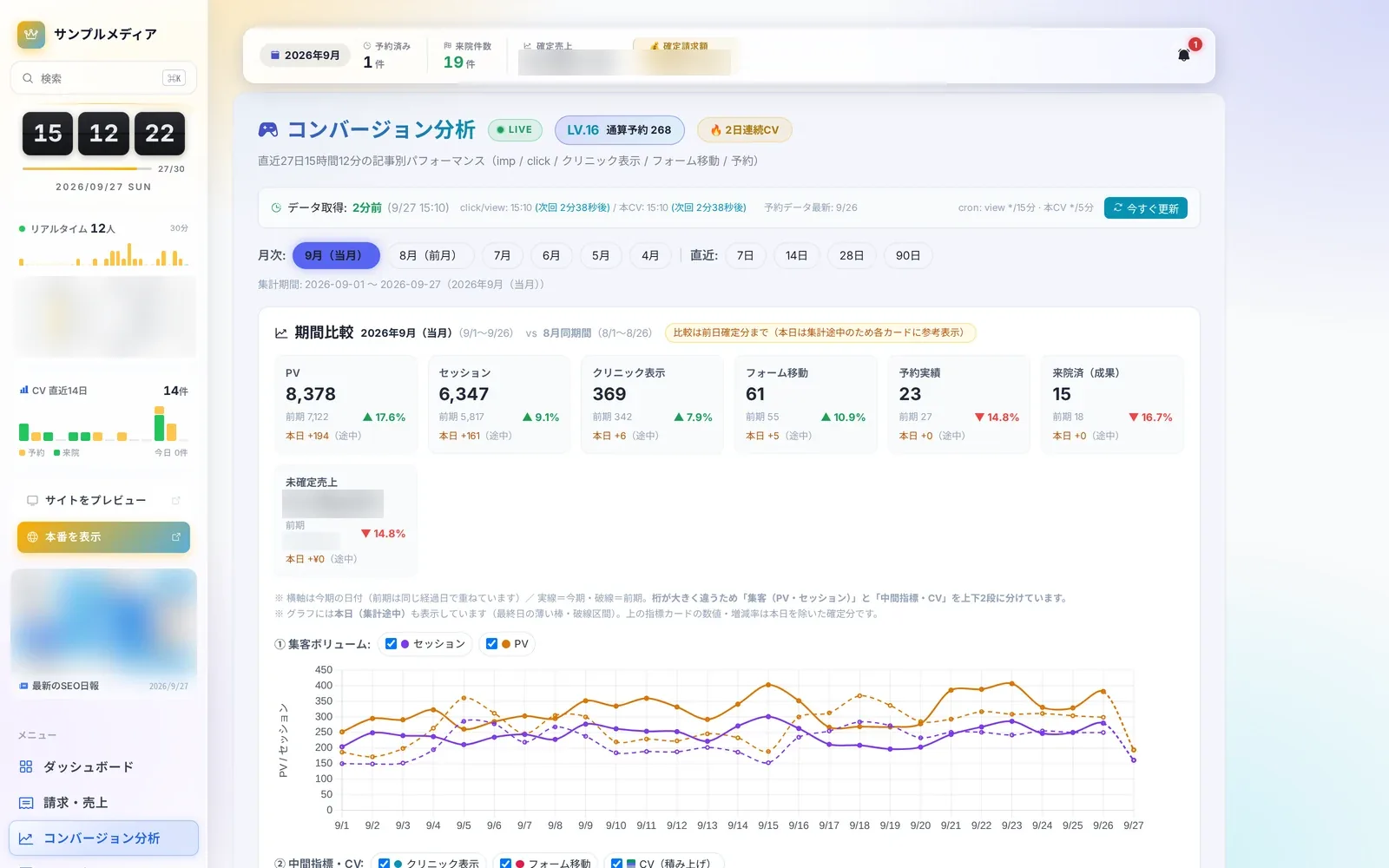 Analytics7 screensConversion analyticsLearn more
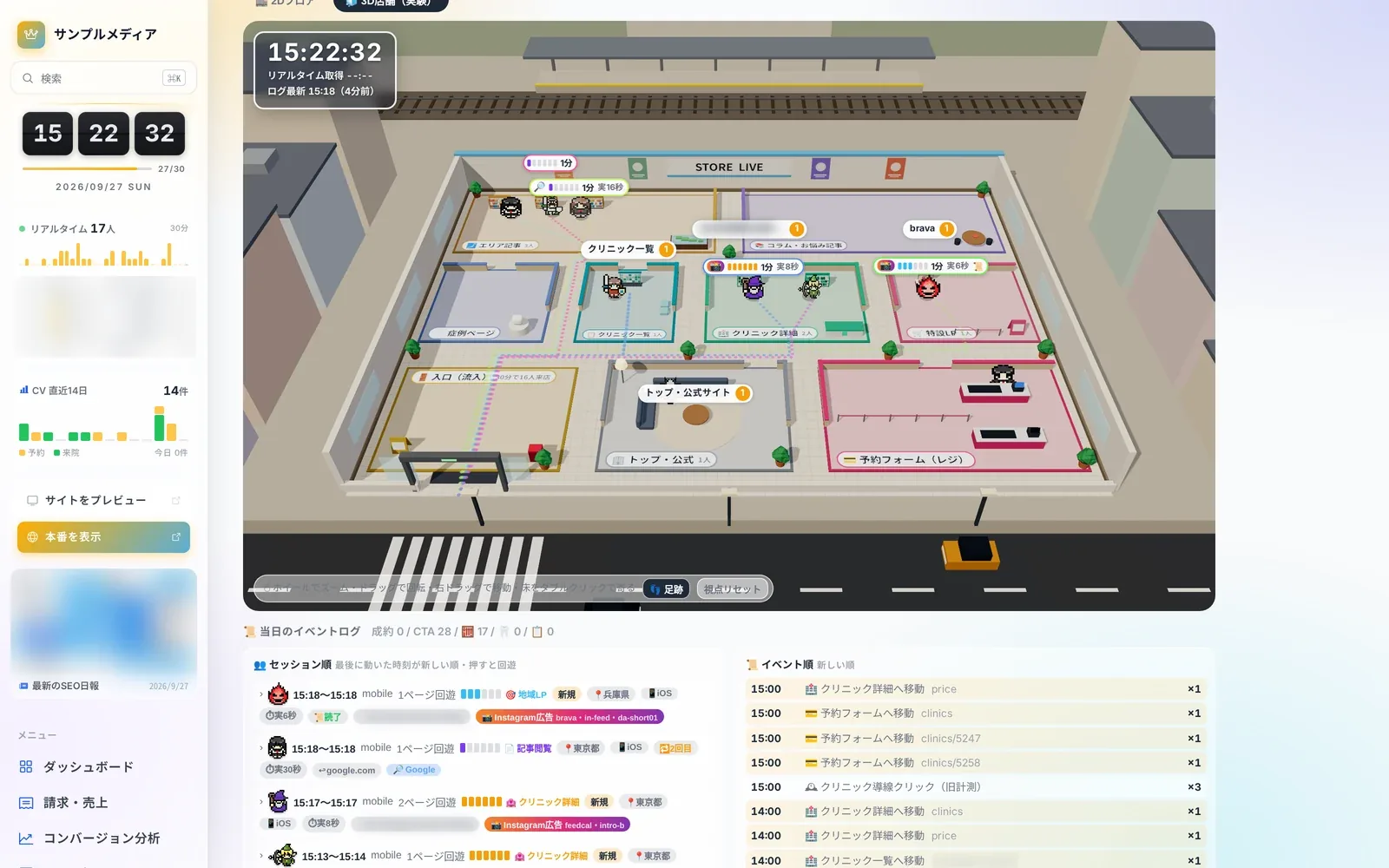 Store Live3 screensStore LiveLearn more
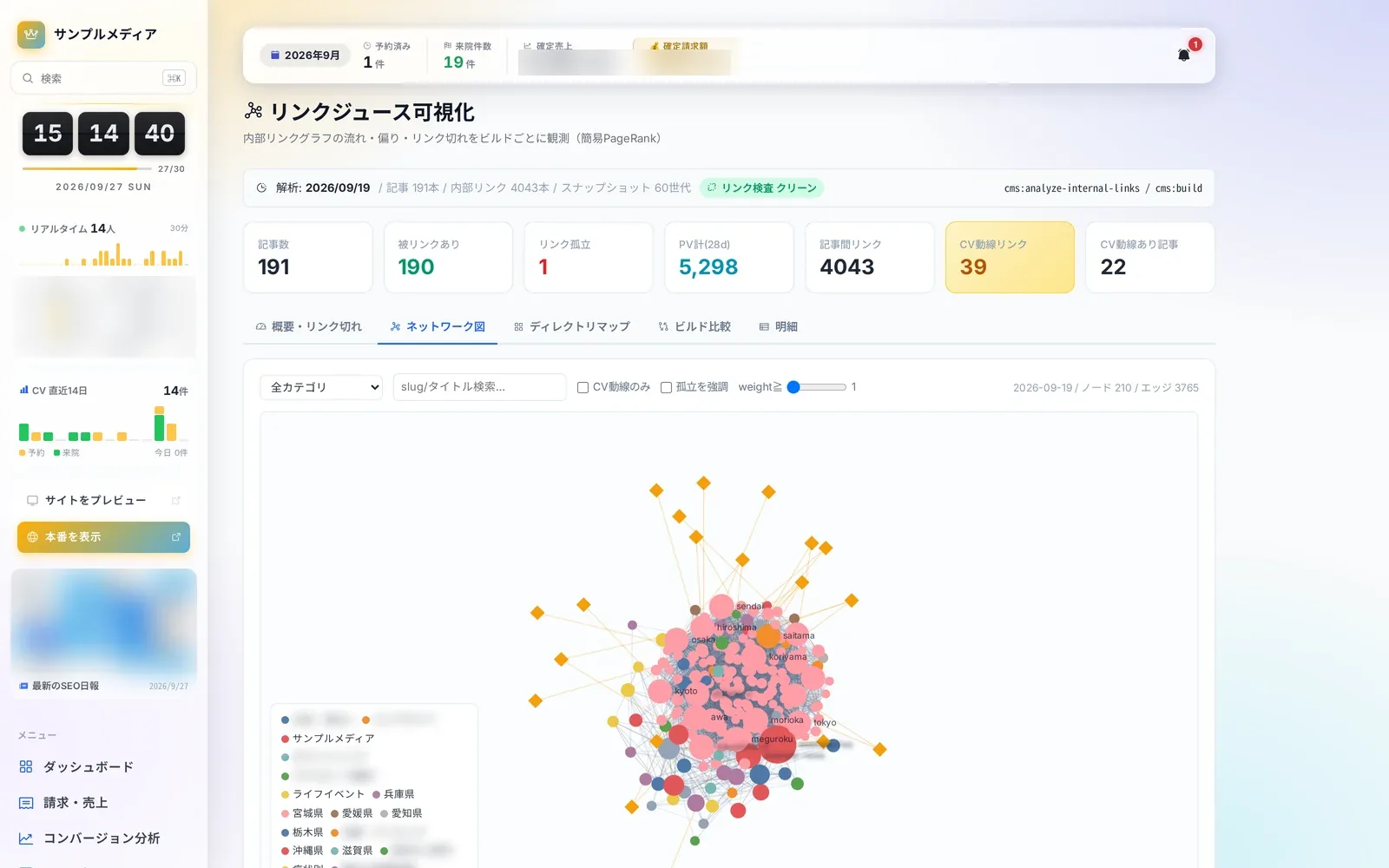 Content Insights8 screensArticle performance and internal linksLearn more
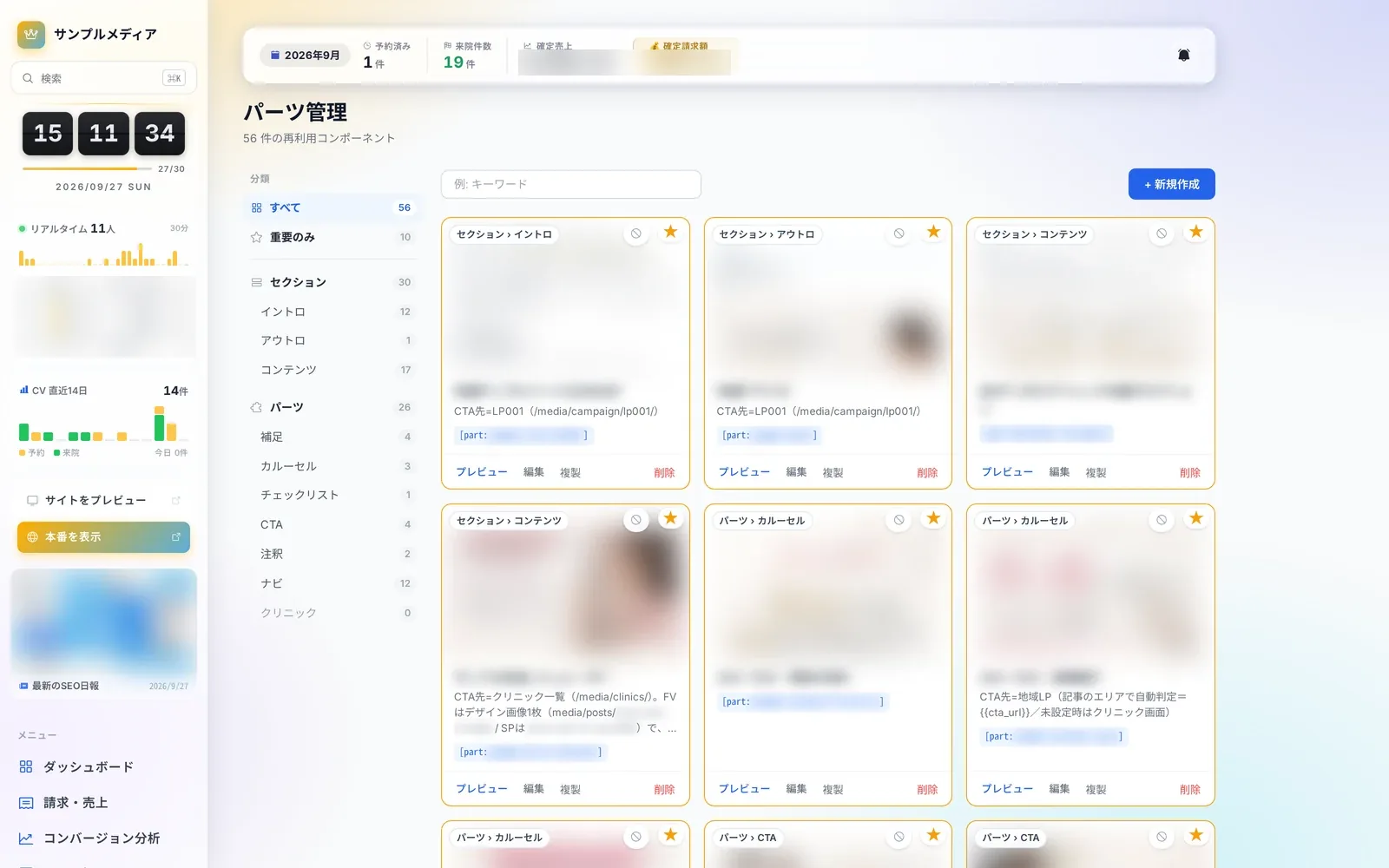 Editor & Assets8 screensArticles and assetsLearn more
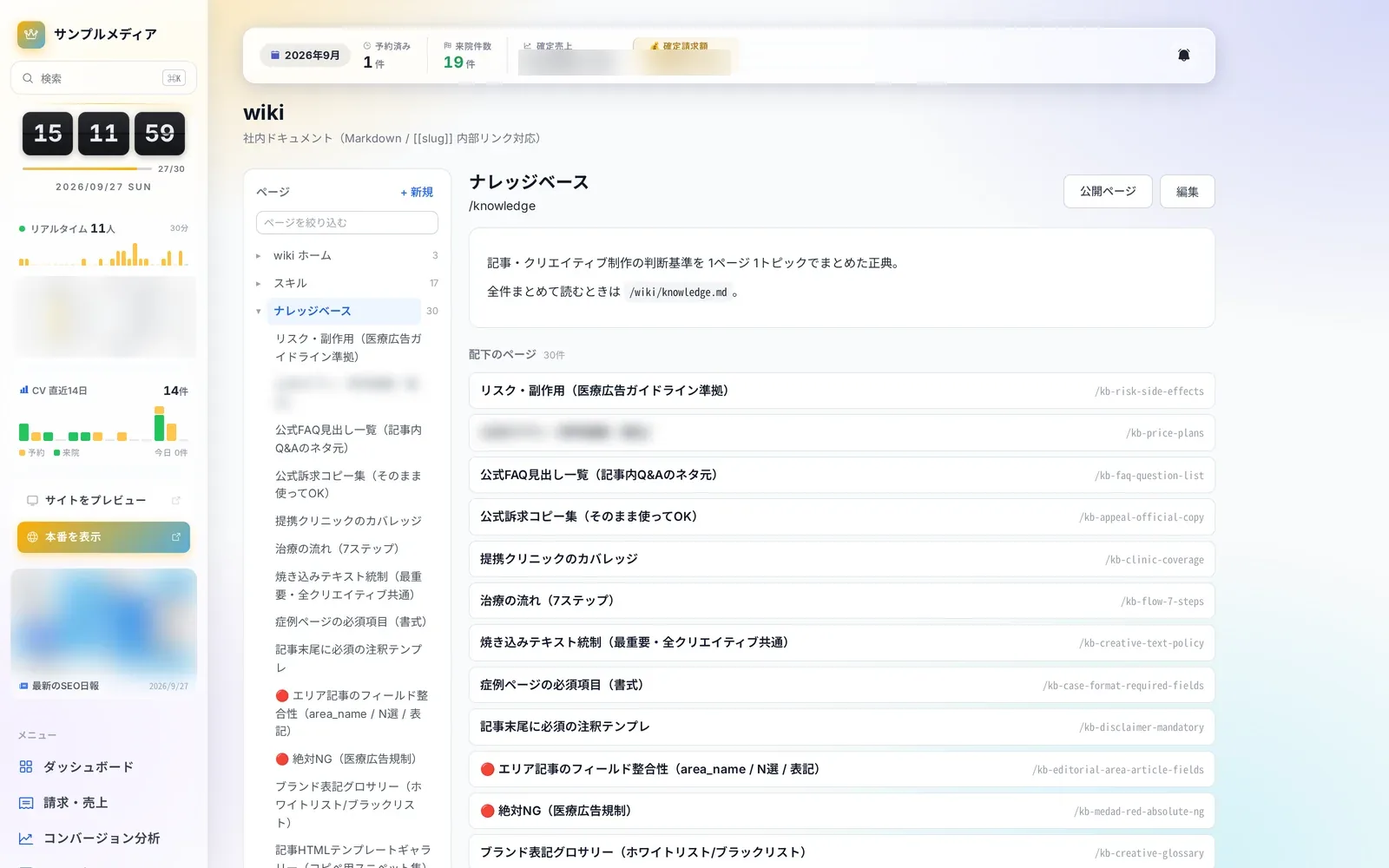 Knowledge4 screensWiki and knowledgeLearn more
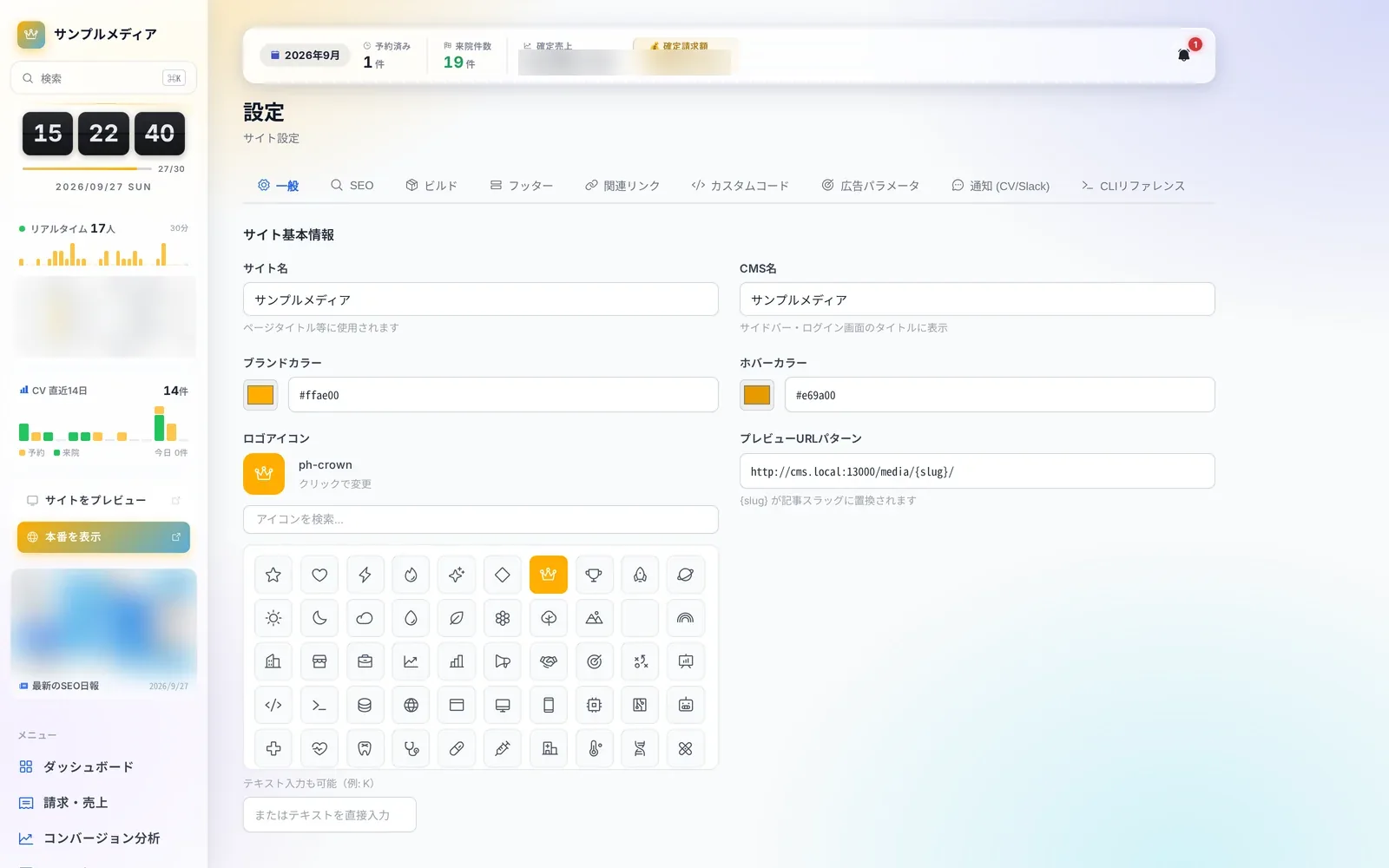 Site Operations10 screensSettings & maintenanceLearn more
Questions about adopting or running Autorial? Talk to us.