AI Visibility
AI visibility
Measure whether generative AI answers recommend and cite your media.
Search rankings alone don't tell you how you appear in generative AI answers. Ask ChatGPT, Claude, Gemini and Perplexity the same questions and record the mention rate, position, whether you were cited as a source, and whether the answer matches your official information. Track AI-driven exposure over time, right next to classic SEO.
Prerequisites
- DataForSEO (AI Optimization API)Asking ChatGPT, Claude, Gemini and Perplexity and collecting their answers
No API keys for the individual AIs are needed; questions are sent through DataForSEO.
01AI visibility
Compare how four AI assistants recommend you, run by run
Send your approved questions to ChatGPT, Claude, Gemini and Perplexity in one go and run them as a report. Pick a model configuration and a cap on the number of questions, and the run proceeds in the background until it finishes. The run history keeps the configuration, answer count and cost, so you can compare mention rate and average position across runs.
- Run with a budget or higher-tier model configuration
- Summary of mention rate, average position and incorrect statements
- Answer count and cost recorded for each run
- AI exposure tracking visible on the same screen
02AI visibility: one run
Check mention rates and answer accuracy per AI
For a single run, see the visibility score, mention rate, average position and how many times your site appeared as a source. Model names and figures are listed per platform, showing where you are less likely to be recommended. Beyond whether you show up at all, each answer is checked for whether what it says about you matches your official information or is outdated or wrong.
- Visibility score based on the mean reciprocal of mention position
- Mention rate, position and score per platform
- Answers labeled as official, outdated/wrong or unverifiable
- Recalculate the results at no extra cost
03AI mentions
Track your exposure in AI answers, keyword by keyword
Measure how much exposure you get through AI, by domain and by keyword, without sending any questions. Mentions, AI search volume, your rank among cited sources and the top cited domains are shown together. History is kept for each fetch date, so you can follow changes before and after you update an article.
- Mention counts by domain and keyword
- AI search volume and your rank among cited sources
- Top cited domains listed side by side
- History and cost recorded for each fetch date
04AI visibility prompts
Manage questions by intent and measure only approved ones
Manage the questions sent to AI in one list, each with an intent such as recommendation, comparison, branded or cost, and a seed keyword. Only approved questions are included in report runs, so you don't spend on questions you didn't mean to measure. Selected questions can be approved, unapproved, disabled or enabled in bulk.
- Grouped by intent: recommendation, comparison, branded, cost
- Seed keyword and status shown for each question
- Only approved questions are measured in reports
- Approve, unapprove or disable selected questions in bulk
* Screens use sample data, with some details such as article titles and keywords blurred. The admin is shown in Japanese. Click to enlarge.
Explore other features
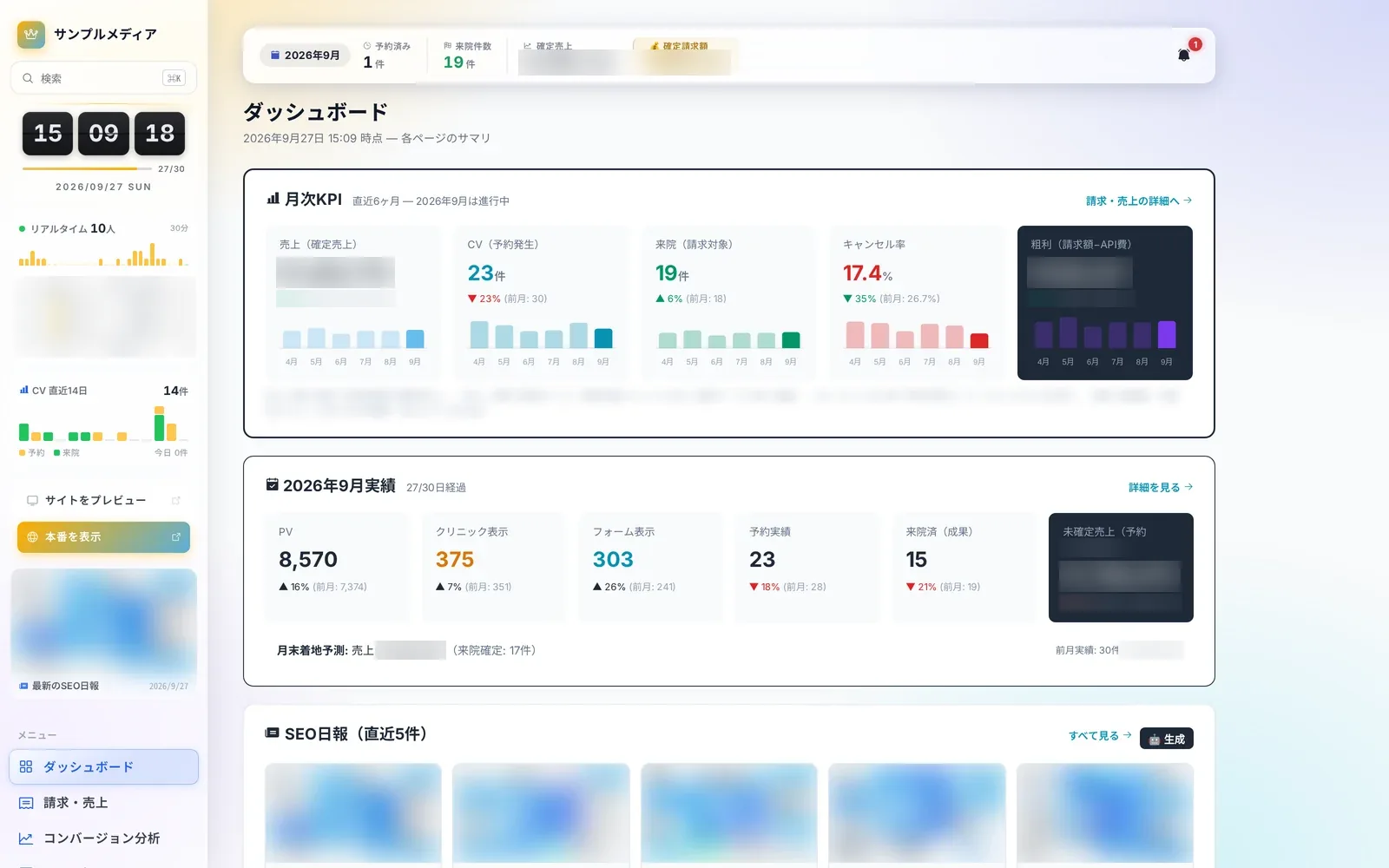 Operations8 screensDaily operationsLearn more
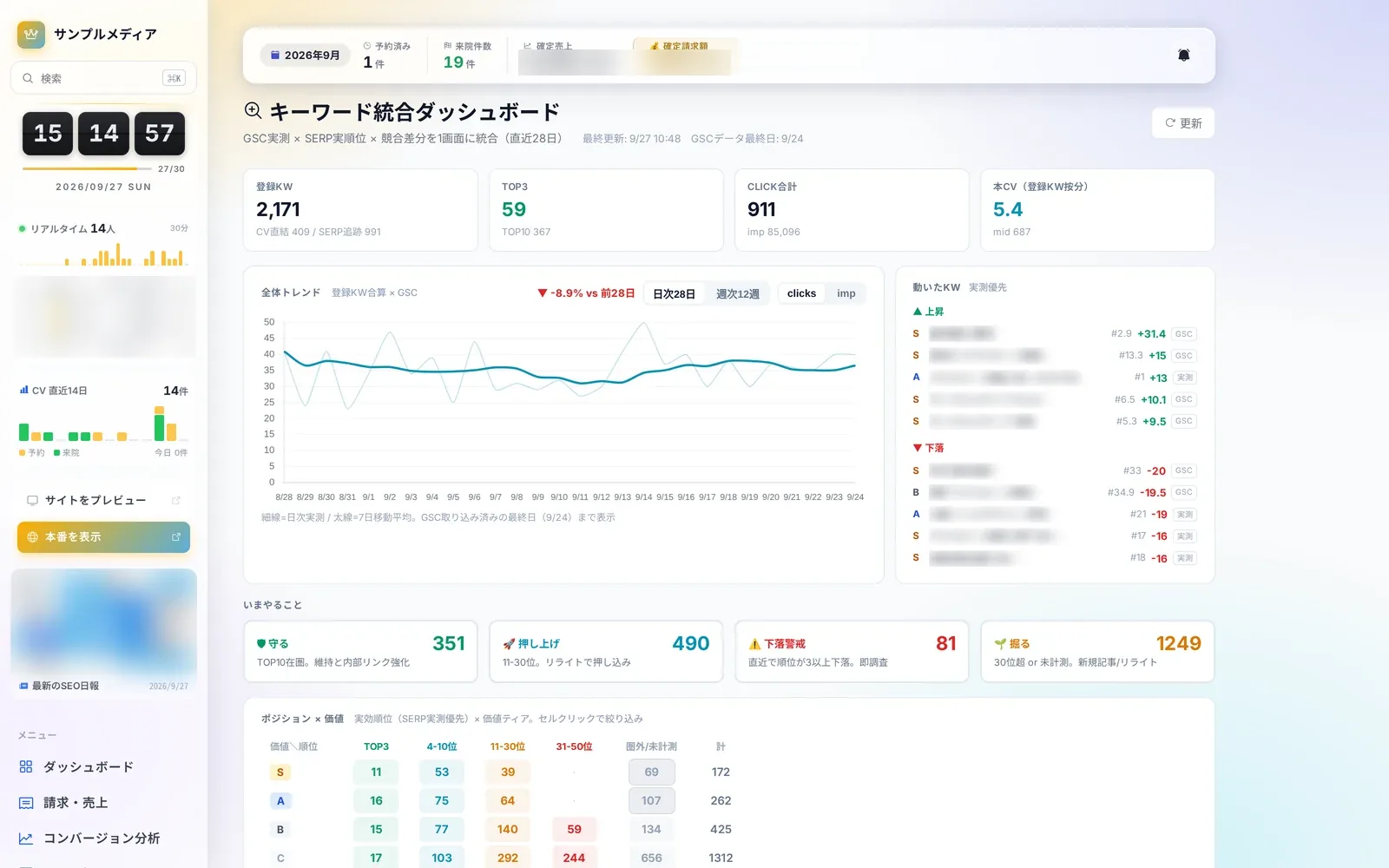 SEO4 screensSEO and search rankingsLearn more
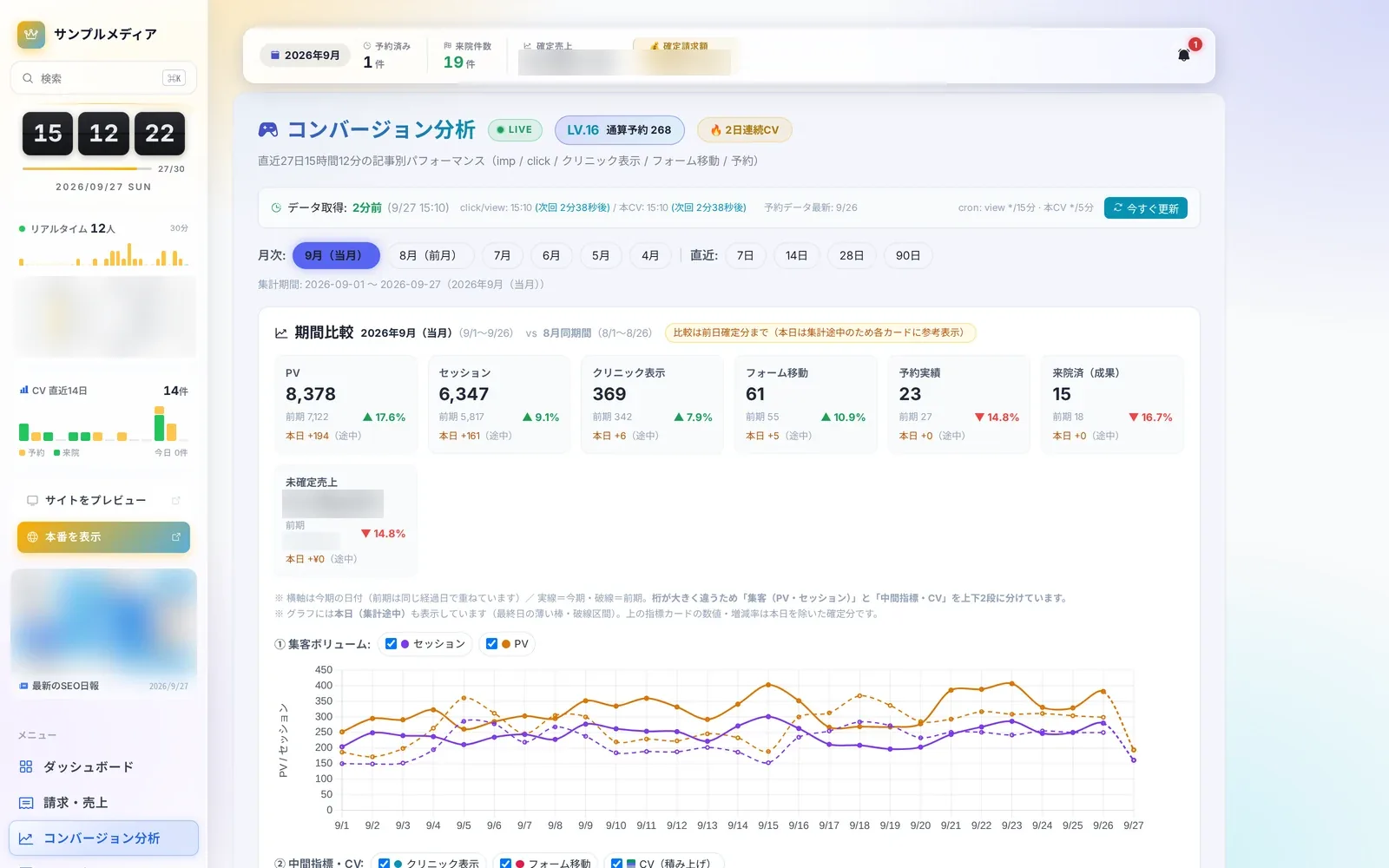 Analytics7 screensConversion analyticsLearn more
 Store Live3 screensStore LiveLearn more
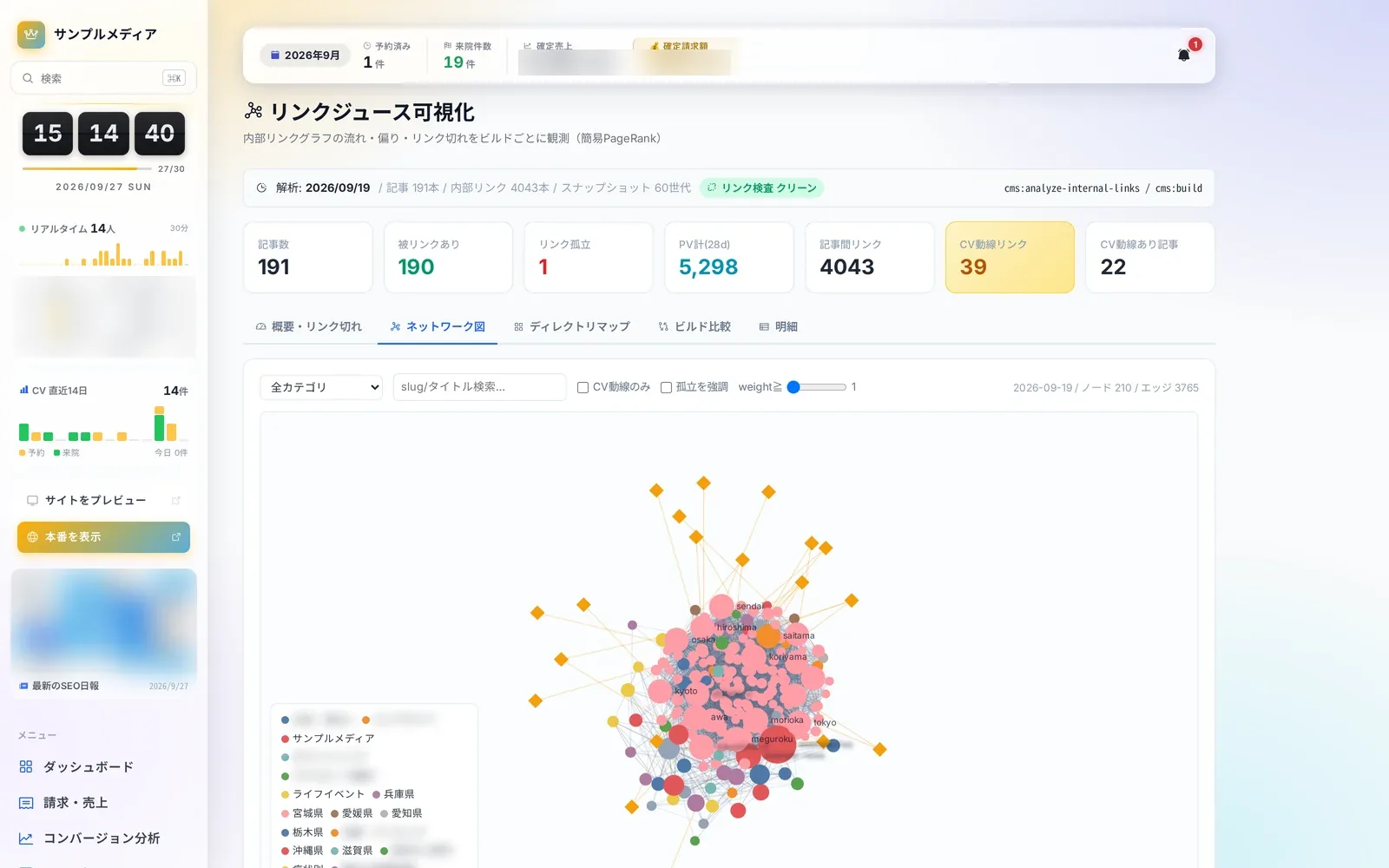 Content Insights8 screensArticle performance and internal linksLearn more
 Editor & Assets8 screensArticles and assetsLearn more
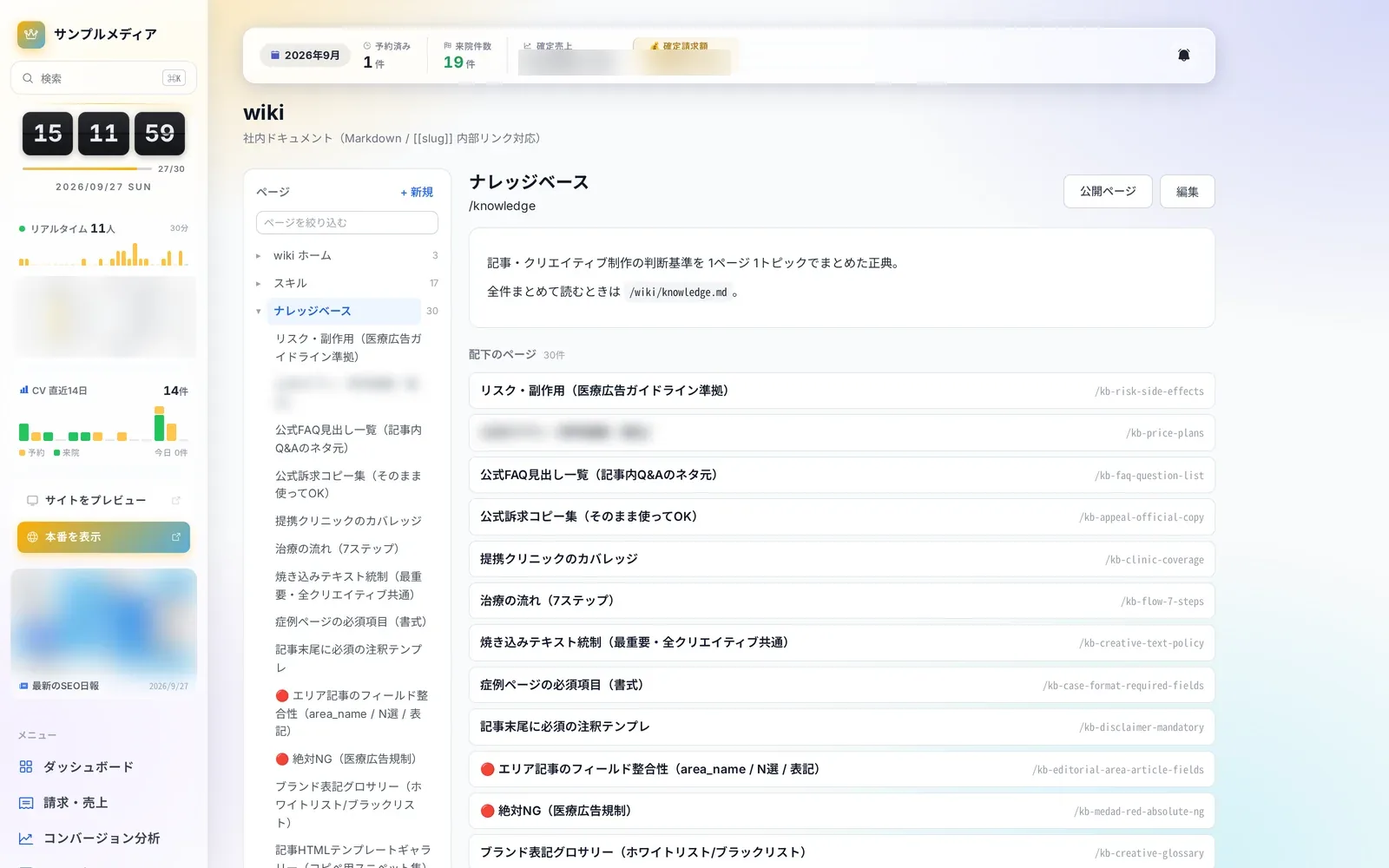 Knowledge4 screensWiki and knowledgeLearn more
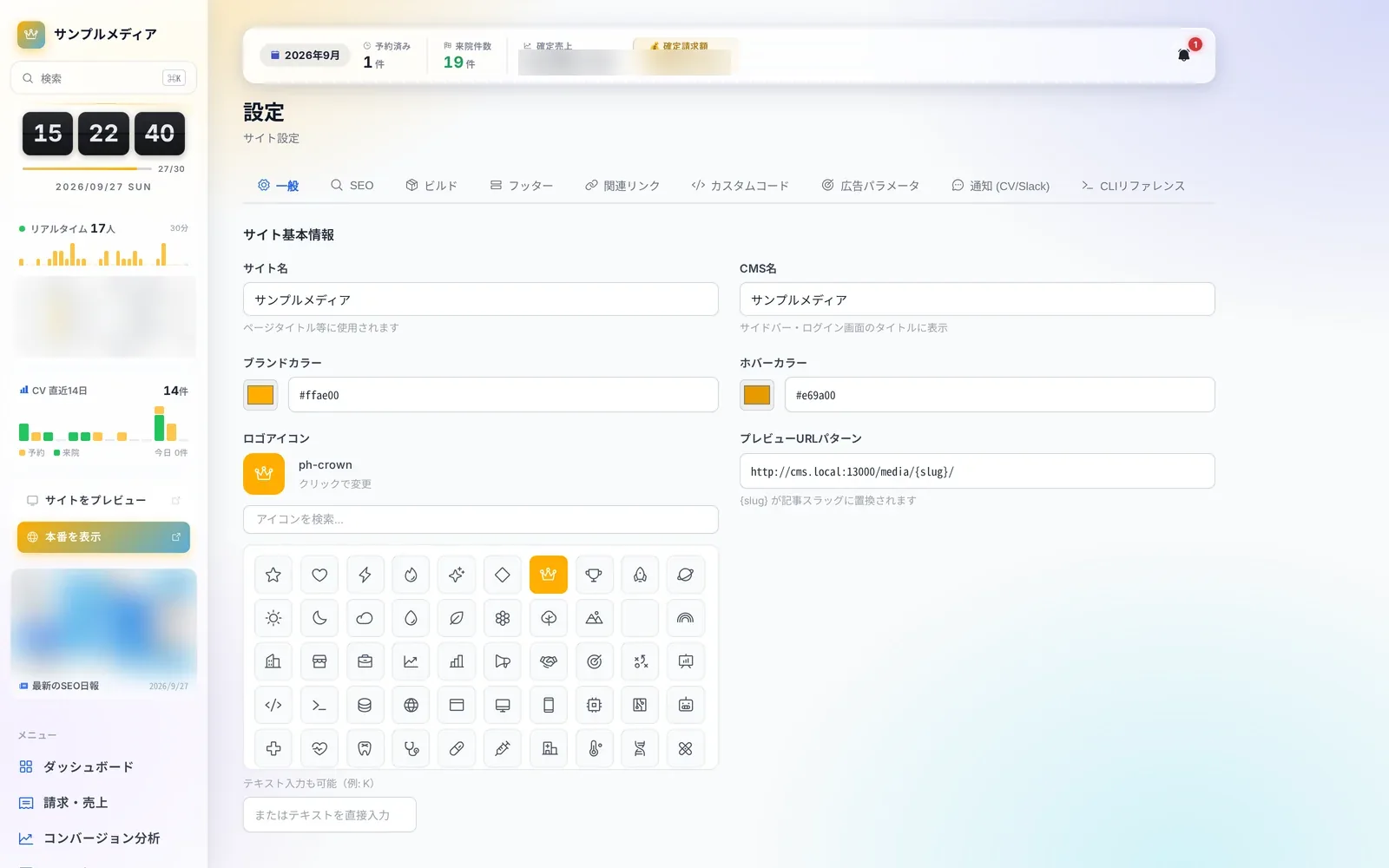 Site Operations10 screensSettings & maintenanceLearn more
Questions about adopting or running Autorial? Talk to us.